



A Practical Guide To Standardizing LLM Use Inside Your Firm
With releases like Codex 5.5 and Claude Opus 4.7 in the past month, there’s more conversation yet again on which AI tools “win” and which combinations work best together in real workflows. We can debate which models “win” for different use cases all day, but that is not what’s most pressing for most businesses right now. The question I want to post instead: how do you decide which LLMs deserve a real place in your firm’s day‑to‑day workflows?
First, you need a clear plan for which general‑purpose LLMs your team will use and for which types of tasks. Next, you need to consider how those choices connect to the systems that already run your business. Different industries will have their own niche tools to factor in, but every organization should be thinking ahead about where their CRM, marketing automation, and other core platforms fit into the overall AI picture.
From Quiet AI Sprawl To Clear LLM Roles
Maybe this is a familiar trend at your firm: One person prefers ChatGPT. Another uses Claude. Someone else has a Gemini tab open all day. A few people lean on Perplexity for research and content ideas.
These tools might all be useful on their own, but together they can create a messy, ungoverned landscape. This usually happens when teams lack clear guardrails on what AI tools should be used for what.
When there is no shared plan, you get scattered work, higher subscription costs, and uneven quality.
A better approach is to define clear roles for your core AI tools. For example, you might decide that one LLM is your team’s default for drafting and client‑facing language, while another is reserved for data-heavy analysis or technical automation work.
Standardizing LLM Use For Your Firm
Instead of a free‑for‑all between Claude, ChatGPT, Perplexity, Gemini, and others, aim for a short, intentional list of tools and documented use cases. You can keep this simple:
- Choose up to two “core” LLMs your firm will support.
- Create a short internal guide that explains which tool to use for which scenarios.
- Make sure those tools are available through shared, managed accounts instead of scattered personal logins.
Your guide might look something like this in practice (examples only, you can adjust to your reality):
- One model is the default “writing partner” for emails, letters, proposals, and marketing copy.
- Another model is the go‑to for working with structured data, automations, and more technical workflows.
- A research‑focused tool (like Perplexity) for sourcing and synthesizing information, if that adds distinct value.
The goal is to remove ambiguity so people know which AI tool fits which job.
Your LLM Choices Do Not Live In A Vacuum
The conversation should not end at “Which LLM do we like most?” You should also consider how these choices support the systems you already rely on. For most service businesses, that means your CRM and your marketing automation platform.
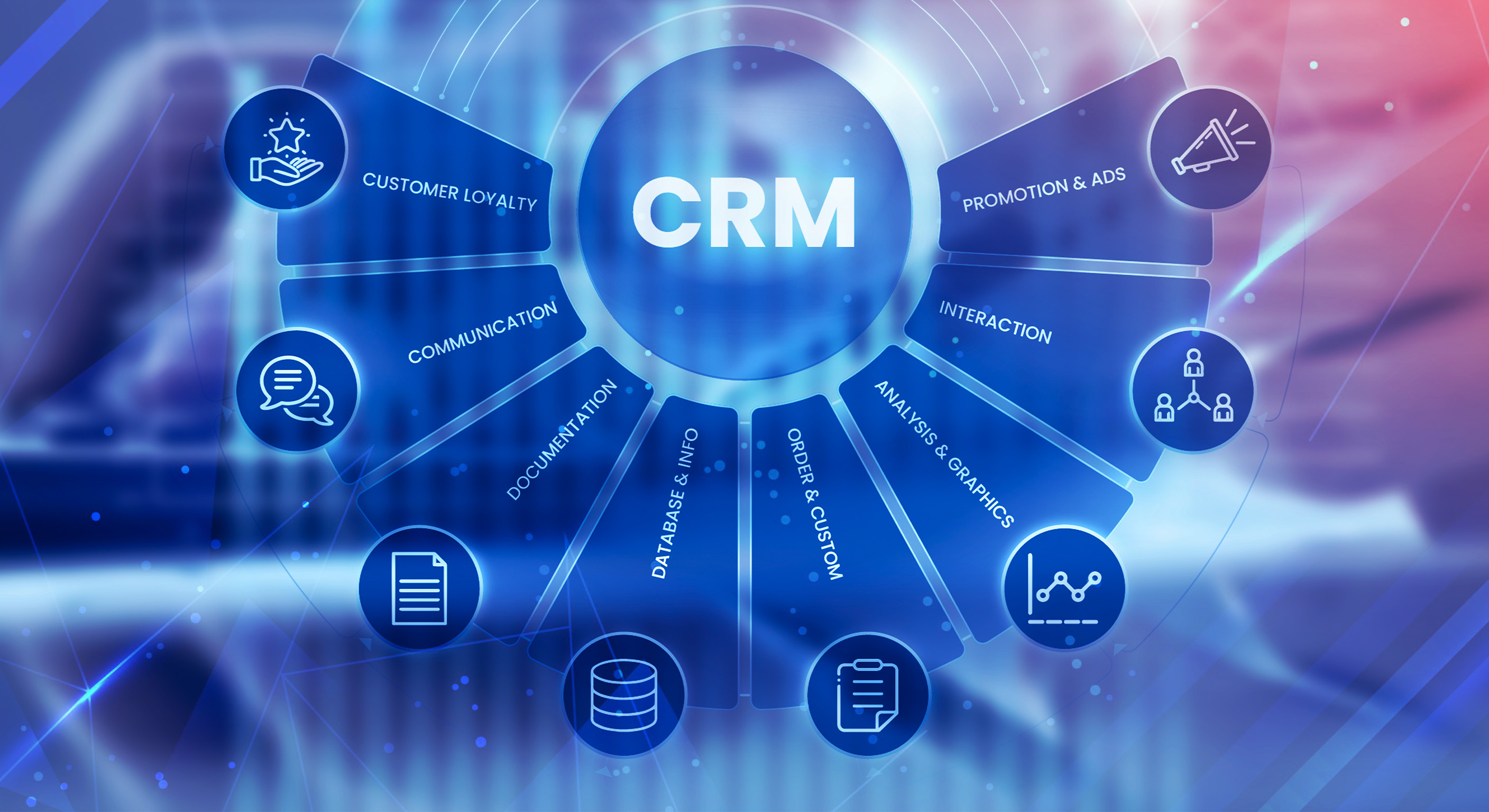
Your CRM, especially if you use HubSpot, already holds the structure of your business: contacts, companies, deals or matters, timelines, and activities. When your chosen LLMs connect thoughtfully to that data, they can support work your team actually cares about, such as:
- Keeping records clean and complete by highlighting missing or inconsistent information.
- Drafting follow‑ups and nurture emails that are grounded in real pipeline and client details.
- Summarizing recent activity so partners and advisors can prepare quickly for calls and meetings.
This is where innovation with popular LLMs gets more interesting. Models that can handle longer contexts and more complex instructions are better candidates for behind‑the‑scenes work inside systems like HubSpot, not just as standalone chatbots in a browser.
Where Specialized AI Workflows Fit In
General LLMs are only one piece of a healthy AI stack. Real leverage comes from the workflows that surround them. For a service‑based firm, that often means AI routines that:
- Move data between your website, intake forms, and CRM without manual re‑entry.
- Kick off tailored sequences based on lifecycle stage, matter type, or deal status.
- Help sales and client service teams prioritize which relationships to focus on each day.
These workflows rely on more than just “a good model.” They depend on your CRM configuration, your automation design, and the specific AI agents and integrations that tie everything together. This is the layer where a partner like InboundAV focuses: connecting your chosen AI workflows with HubSpot, designing automations that align with your business model, and ensuring AI supports how you actually serve clients.
One emerging theme in 2026 is that most enterprises are moving beyond experimenting with AI to deploying agents and workflows in production. Many leaders now cite AI sprawl as a major risk if these systems are not governed centrally.
When you align your LLM choices with your CRM and your automation, you move beyond everyone testing AI in their own silo. You start to build a unified, firm‑wide approach that supports your vertical and your way of working.
Next Steps For Business Leaders
You do not need to rebuild your entire tech stack to make progress here. A realistic starting point looks like this:
- Decide on your core AI subscriptions, and try to keep them to two main LLMs plus any truly necessary niche tools.
- Document which tool is used for which types of tasks, and share that guidance firm‑wide.
- Identify three to five high‑value workflows where AI support would make a noticeable difference for your team.
- Map those workflows to your CRM and marketing automation so they share data, rather than operating as separate islands.
- Bring in a specialist to design and govern the connections between your LLMs, your CRM, and your automations.
New releases like Codex 5.5 and Opus 4.7 will continue to show up on your radar. The real opportunity is to use these milestones as prompts to refine your overall AI strategy, reduce sprawl, and make sure every new capability fits into a clear picture of how your firm uses AI from top to bottom.
.png)